TLTLBX AdX Plugins
EN▾
PATH›Plugins›Before & After
KEY FEATURES5
1
One finished imageSide by side, stacked or split.
2
Formats for social1:1, 4:5, 9:16 and free.
3
The real beforeImport state, snapshot or history.
4
Step comparisonSeveral stages as an image sequence.
5
Catalog stays cleanNo copies, nothing is left changed.

Before & After

Plugin for Lightroom ClassicLIGHTROOM CLASSIC

Exports the comparison of your edit as a finished image: side by side, stacked or split, labelled, in the right format for Instagram, your website and client presentations. No virtual copies, no resetting by hand, no rebuilding in Photoshop.

Beach with longtail boats, original without edits Beach with longtail boats, edited stage ORIGINALMASTER
‹ ›
THE STAGES5

Click a stage and the slider compares the original with exactly that stage. A real export in step comparison mode: one photo, three virtual copies, five files _01 to _05 — nothing retouched afterwards.

€29net per year · annual licence, updates included
Try for free Buy annual licence
Licence arrives by e-mail right away · 10 trial images free, no account
WORKS WITH
Lightroom Classicversions to follow after testing
macOSyes
Windowsyes
Lightroom (cloud), Mobileno
QUESTIONS
Is this a subscription?It is an annual licence: €29 net for twelve months from activation, updates included. It renews yearly and can be cancelled at any time for the end of the term, with one click in the customer area (sign in with your purchase e-mail).
Can I try it first?Yes. Without a key the plugin runs in trial mode: 10 trial images in total, no watermark, no account, no time limit. Photos are counted, not files; a before/after pair is one photo.
Where do I buy, here or at Adobe?Both work and both are the same licence. Here you pay by card or SEPA via Stripe and get the key by e-mail right away. At Adobe the key is in the receipt; the year starts with the first activation.
?All questions

Key features in detail

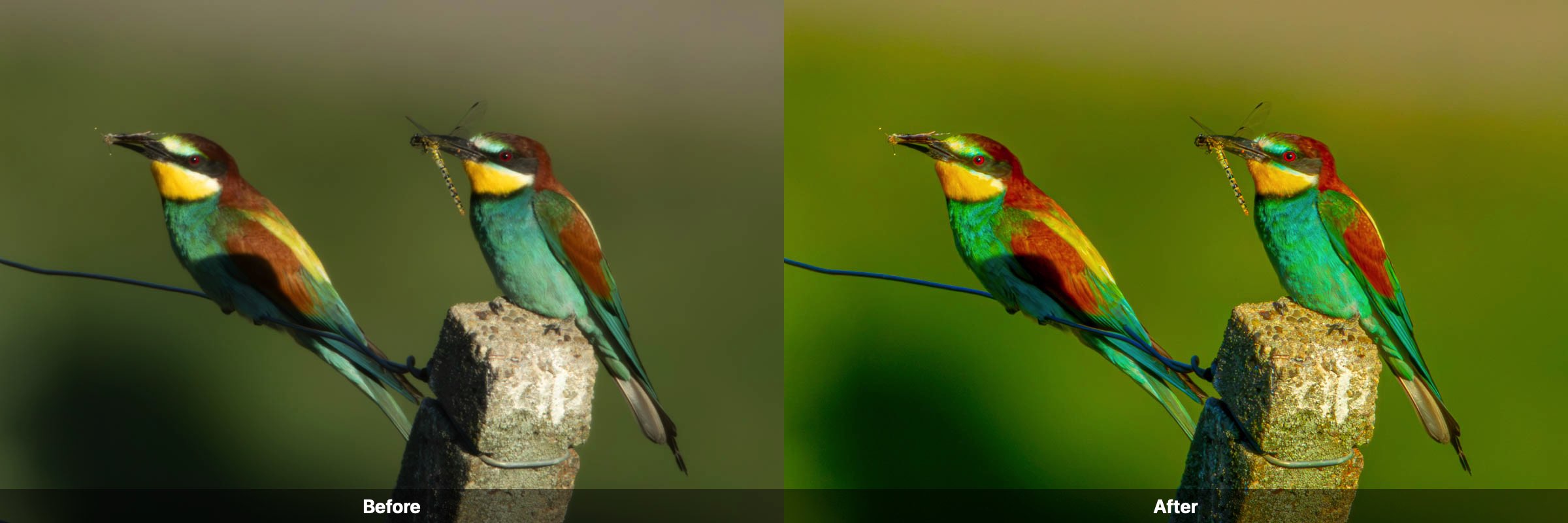
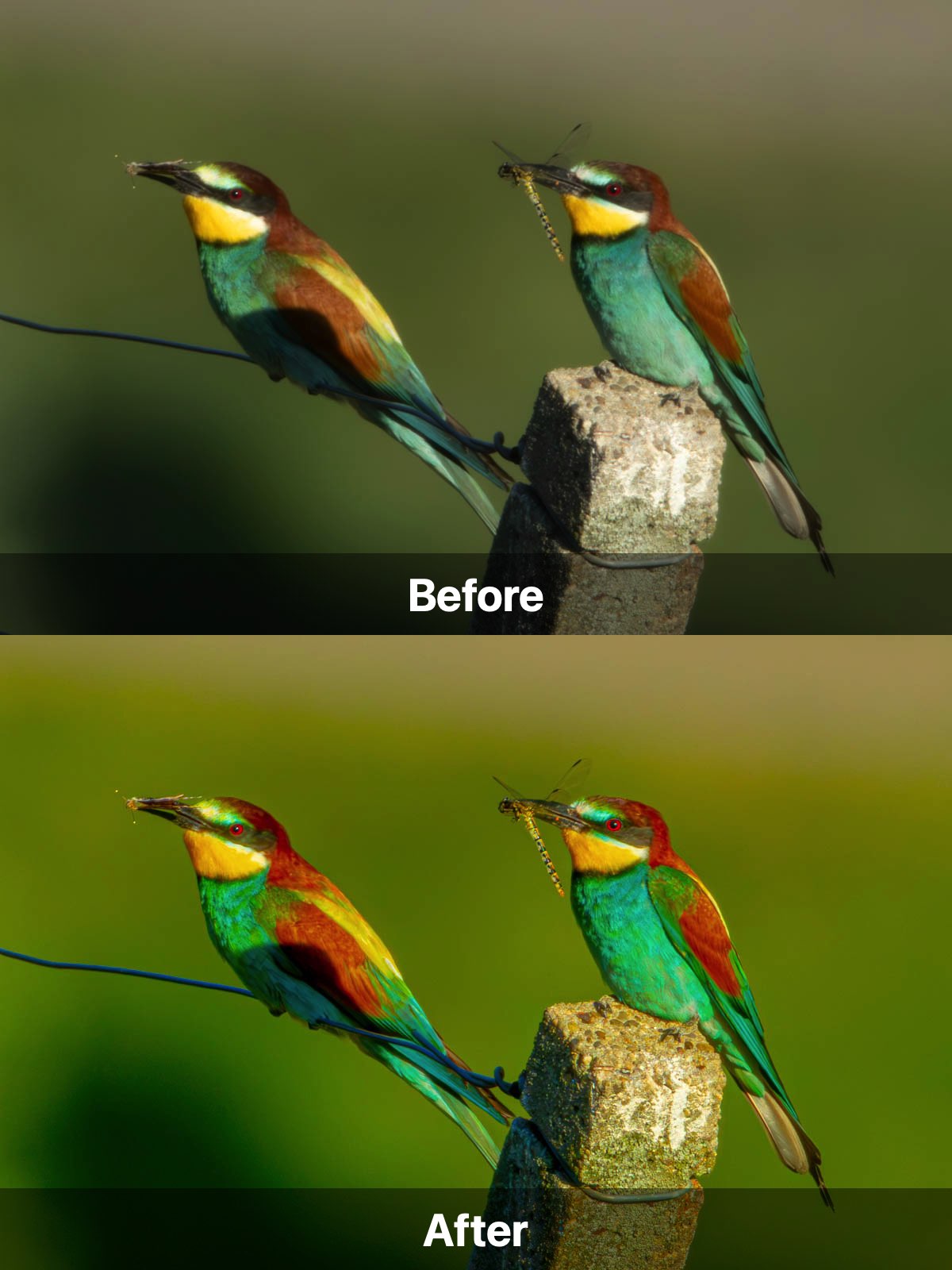
Before and after side by side, one image
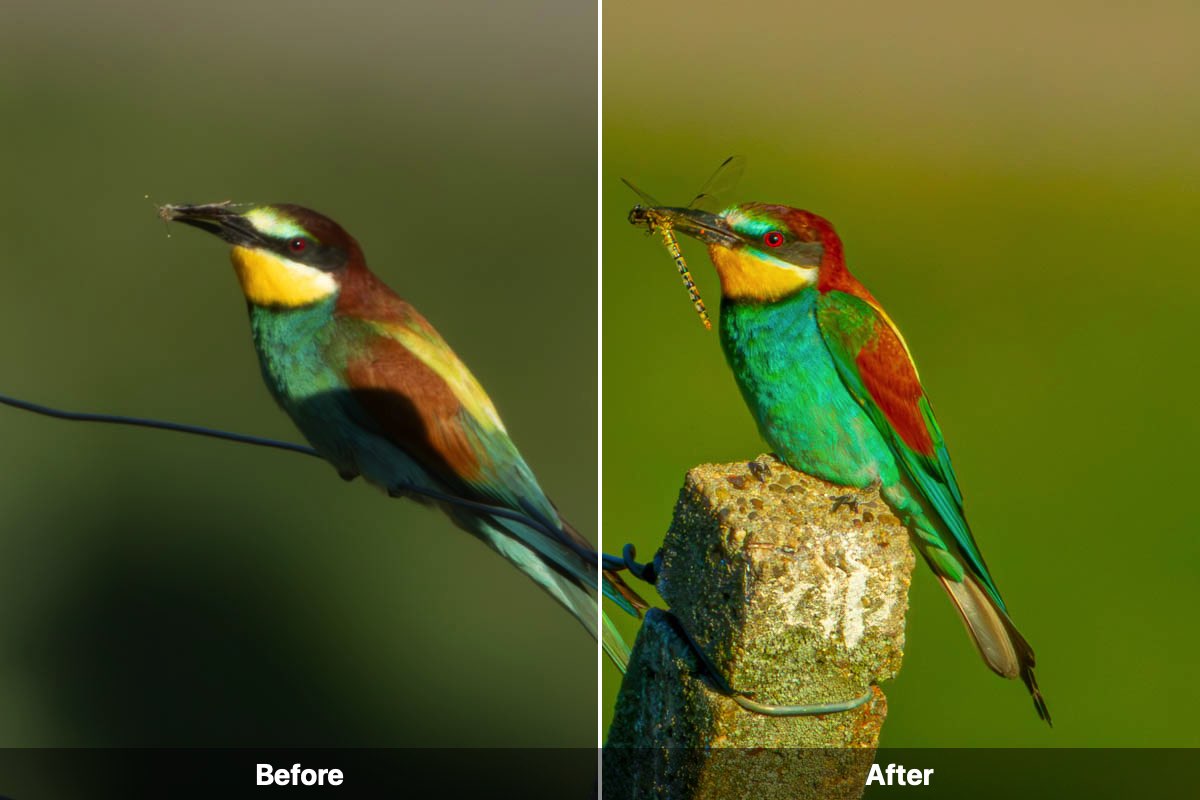
Before above afterSplit: before on the left, after on the right
FEATURE 1

One finished image

The plugin combines before and after into one image, labelled in your language and, if you like, with your logo. No more rebuilding in Photoshop.

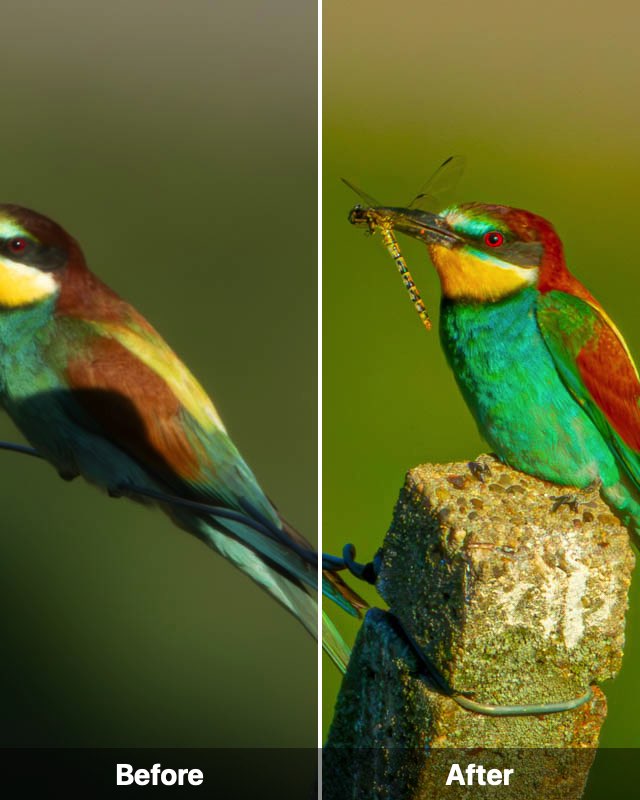
Split in 16:9 format
16:9
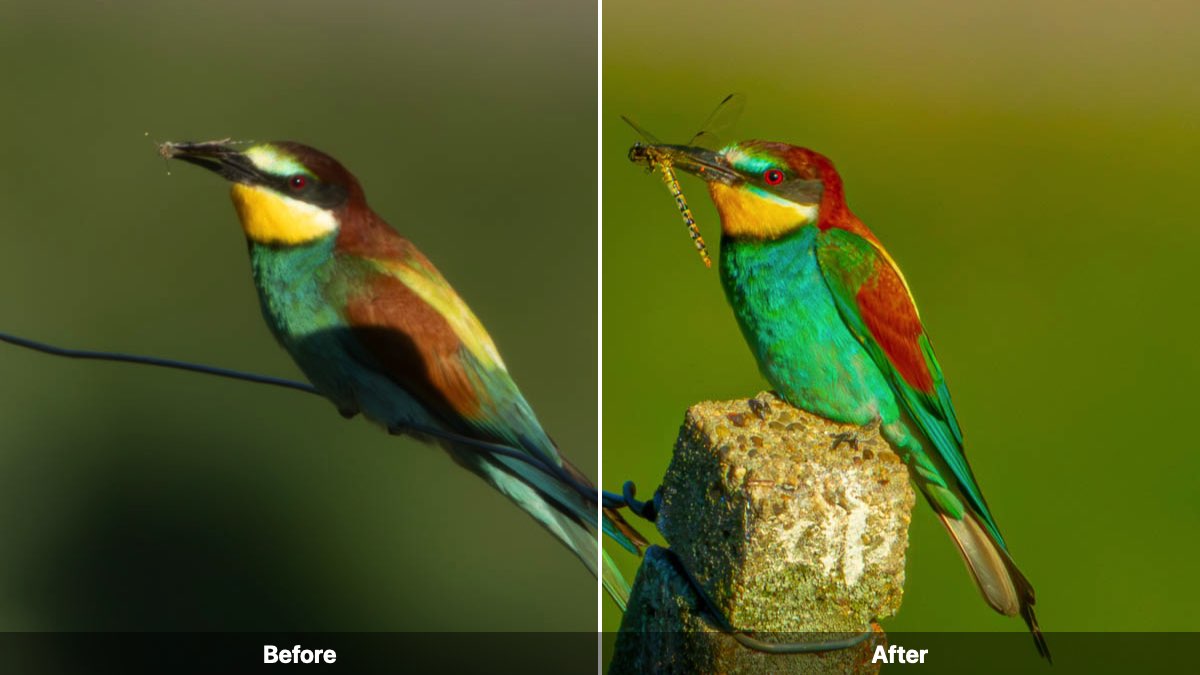
Split in 4:5 format
4:5
FEATURE 2

Formats for social

You choose the format, both sides are cropped identically. The result is ready to post, no rework.


The before: import state
…_before.jpg
The after: edited
…_after.jpg
FEATURE 3

The real before

You decide what is compared: the state from the camera, a snapshot or a step from the history, say “after the RAW base edit” against “after retouching”.


Stage 1: Original
_01
Stage 2: Master
_02
Stage 3: Copy 1
_03
Stage 4: Copy 2
_04
Stage 5: Copy 3
_05
FEATURE 4

Step comparison

For workshops, courses and portfolio: every editing stage becomes its own image, in the order of your history.

SCREENSHOT · CATALOG STAYS CLEAN
Screenshot of the history to follow
FEATURE 5

Catalog stays clean

The plugin briefly resets the edit for the before, exports and restores everything — two steps in the history per photo, nothing else. No jumping between modules.

BEFORE & AFTER · ANNUAL LICENCE

Try first, then decide.

The trial exports 10 trial images, no watermark, no account, no time limit. The counter is in the Plug-in Manager. If you need more, the annual licence costs €29 net. One key, your computers, twelve months from activation, updates included.

News, newsletter and app launches by emailYou choose the topics. Sign up with confirmation, unsubscribe with one click.

Write to us

Stay up to date

Choose what we should email you about. You can unsubscribe with one click in every email.